01 / 03
Choose a clear starting image
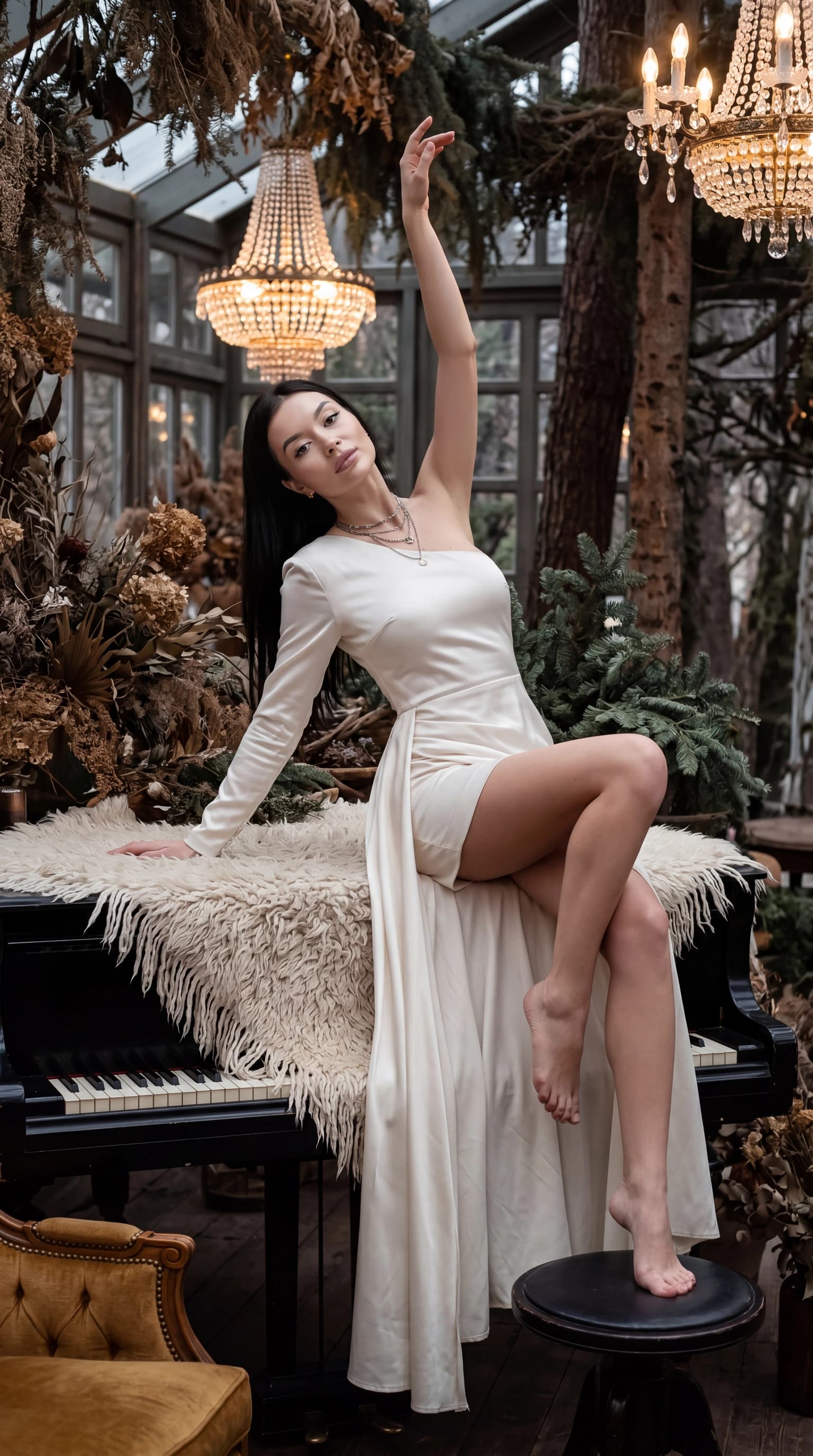
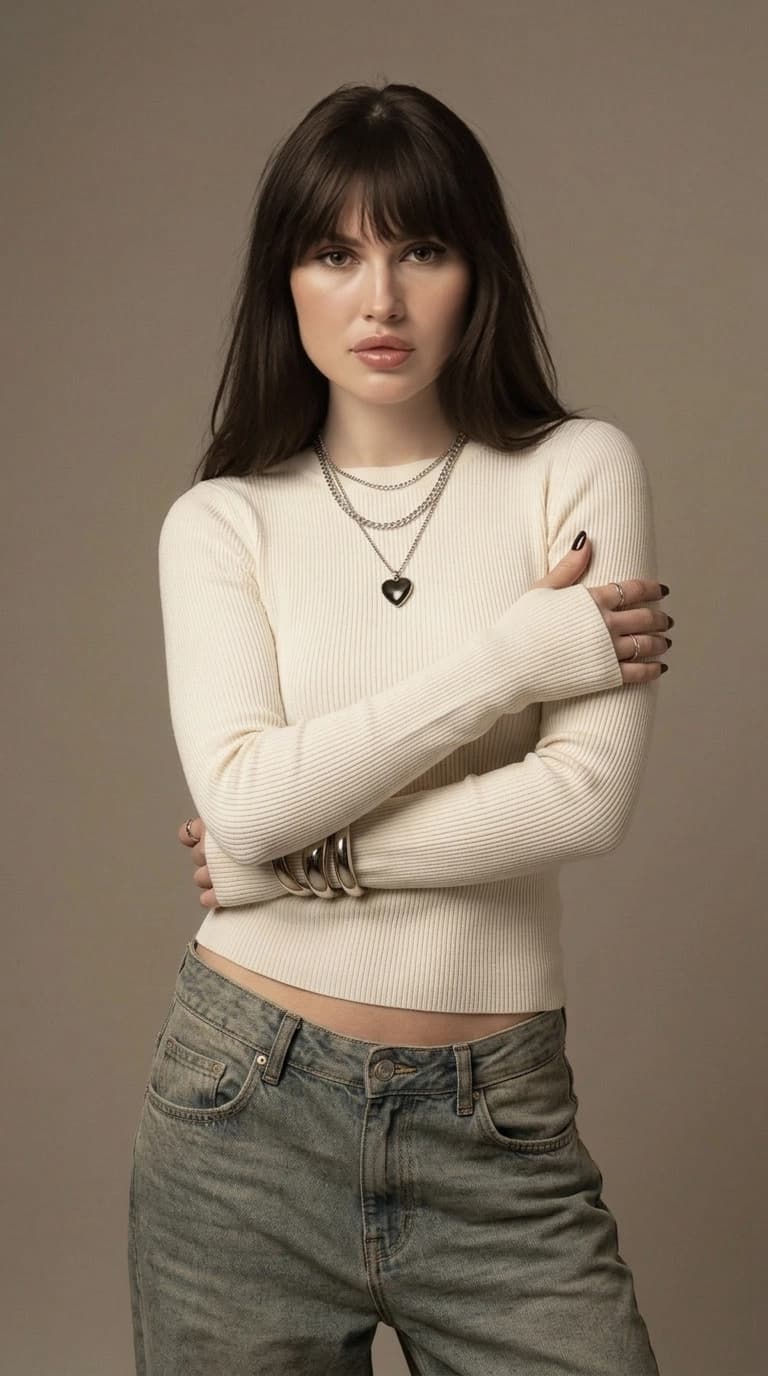
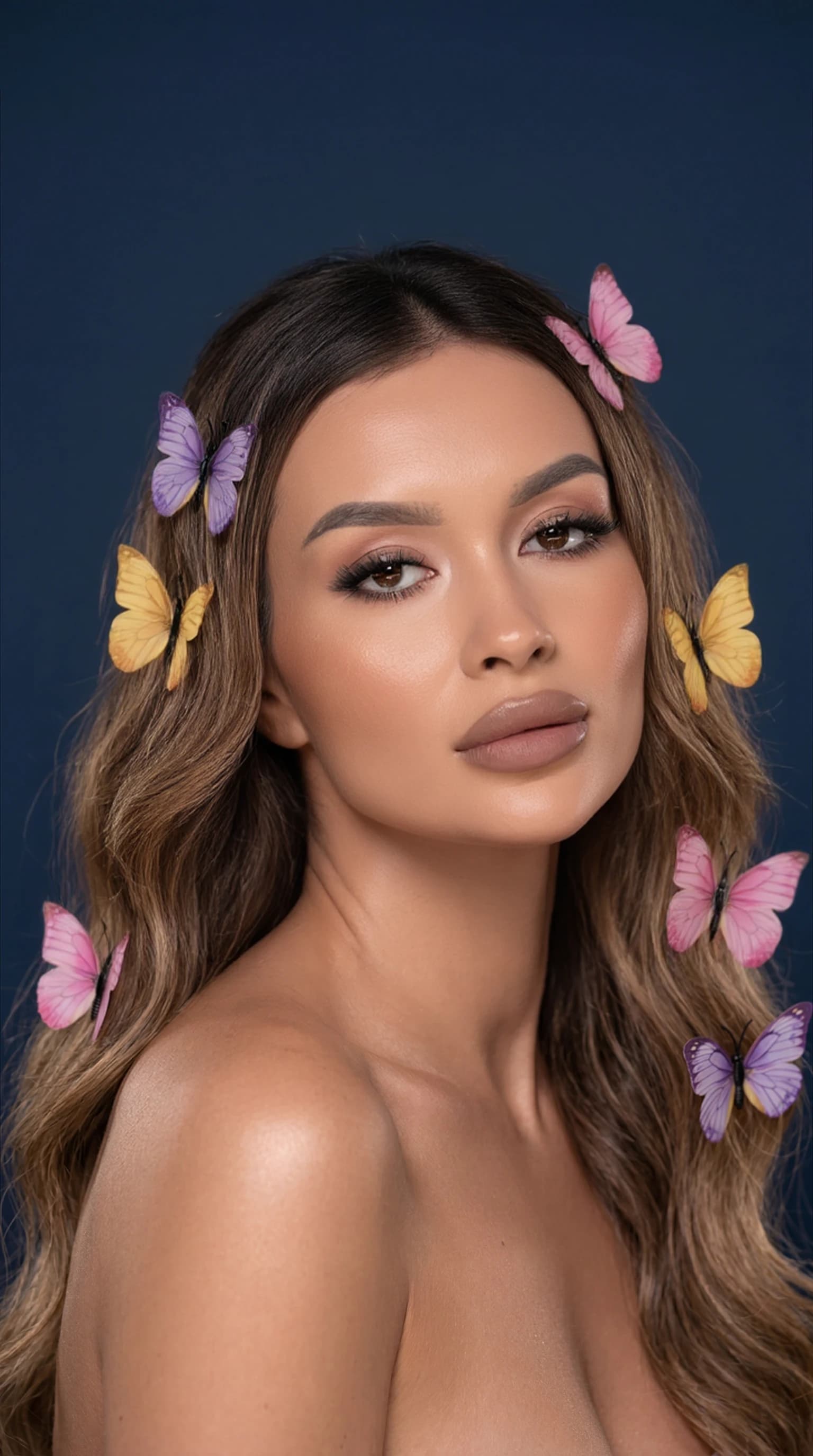
Use a sharp image with a well-lit face that is not hidden by a hand, hair or a large accessory. A tight crop around the head and shoulders leaves little room for movement. Some space around the subject makes the composition easier to work with.
Busy scenes are harder to review: movement may affect the background, hands or nearby people. For your first clip, choose a quiet composition with one main subject.
02 / 03
From a still image to a short clip
Open the video feature in ReCrea and select a photo. Start with simple movement using the options available in your version of the app. Wait for generation to finish, then watch the complete result.
- Pick a frame you already like as a photograph.
- Create a short video in the app.
- Review the opening, middle and final frame.
- Save a suitable result and check the crop for your destination platform.
03 / 03
Check more than the cover frame
Likeness can shift during a head turn. Review eyes, teeth, the face outline, fingers and nearby objects. If details change noticeably, try a gentler movement or another starting image.
An animated historical photograph is an AI interpretation of motion, not recovered footage of the original event. Use images you have permission to animate and consider the context when sharing someone else's likeness.
Questions, answered
Will animation restore a damaged photo?
Adding motion and restoring image quality are different tasks. A blurry face or severe damage in the input can remain visible or produce new artifacts.
Can I use the video in Stories or Reels?
A short clip can be used on social platforms. Check its format and crop before posting so that important details stay clear of interface buttons and captions.
Is natural movement guaranteed?
No. AI video needs review because movement and small details can look wrong. Choose a result after watching the complete clip, rather than judging its cover alone.