01 / 03
Decide where the headshot will appear
A résumé, team profile and public professional account have different expectations. Check the destination's requirements for image format and AI-generated pictures. Résumé photo conventions also vary by country and employer; include one only when appropriate.
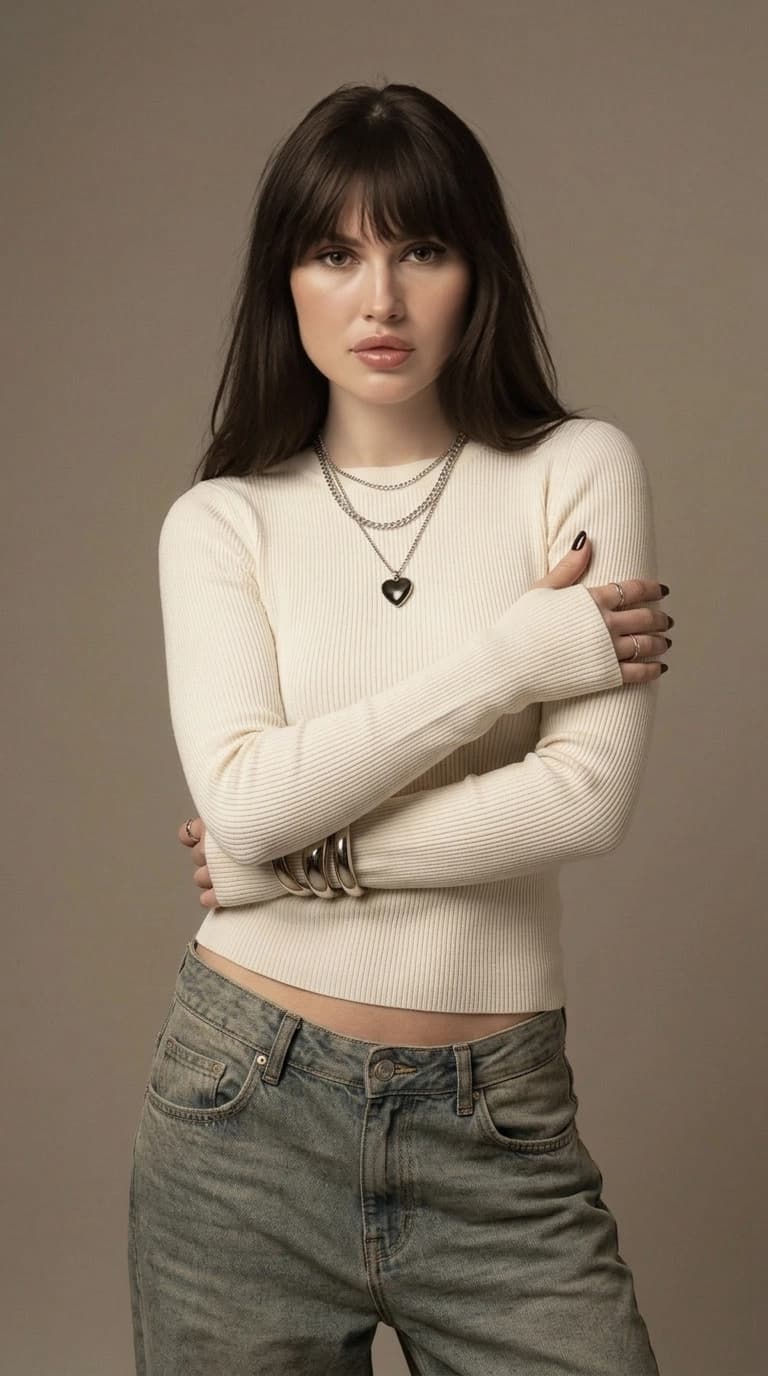
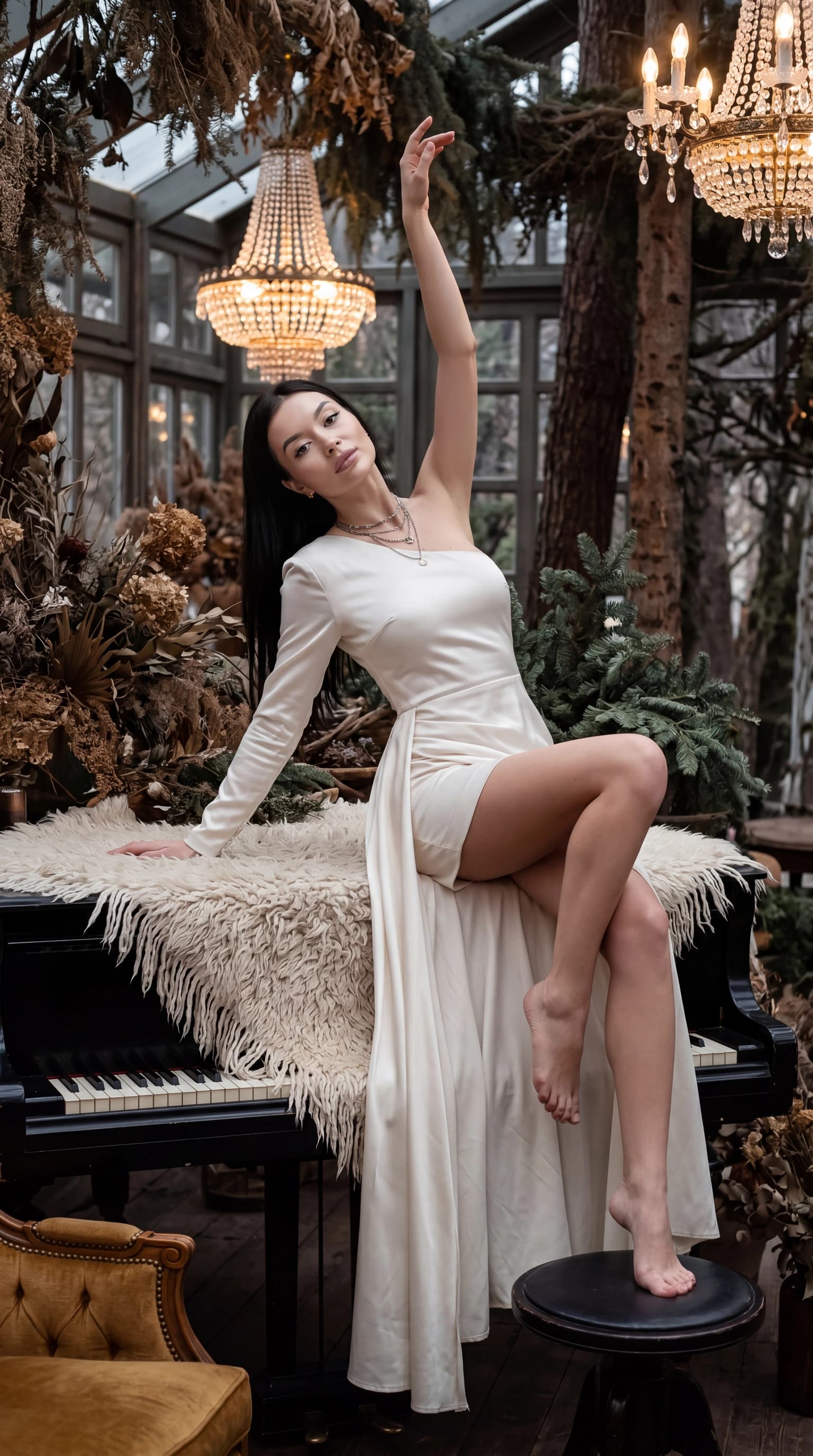
For a small profile image, a simple head-and-shoulders composition makes the face easy to recognize. Elaborate architecture, busy scenery and tiny clothing details are usually lost at that size.
02 / 03
Choose a professional look
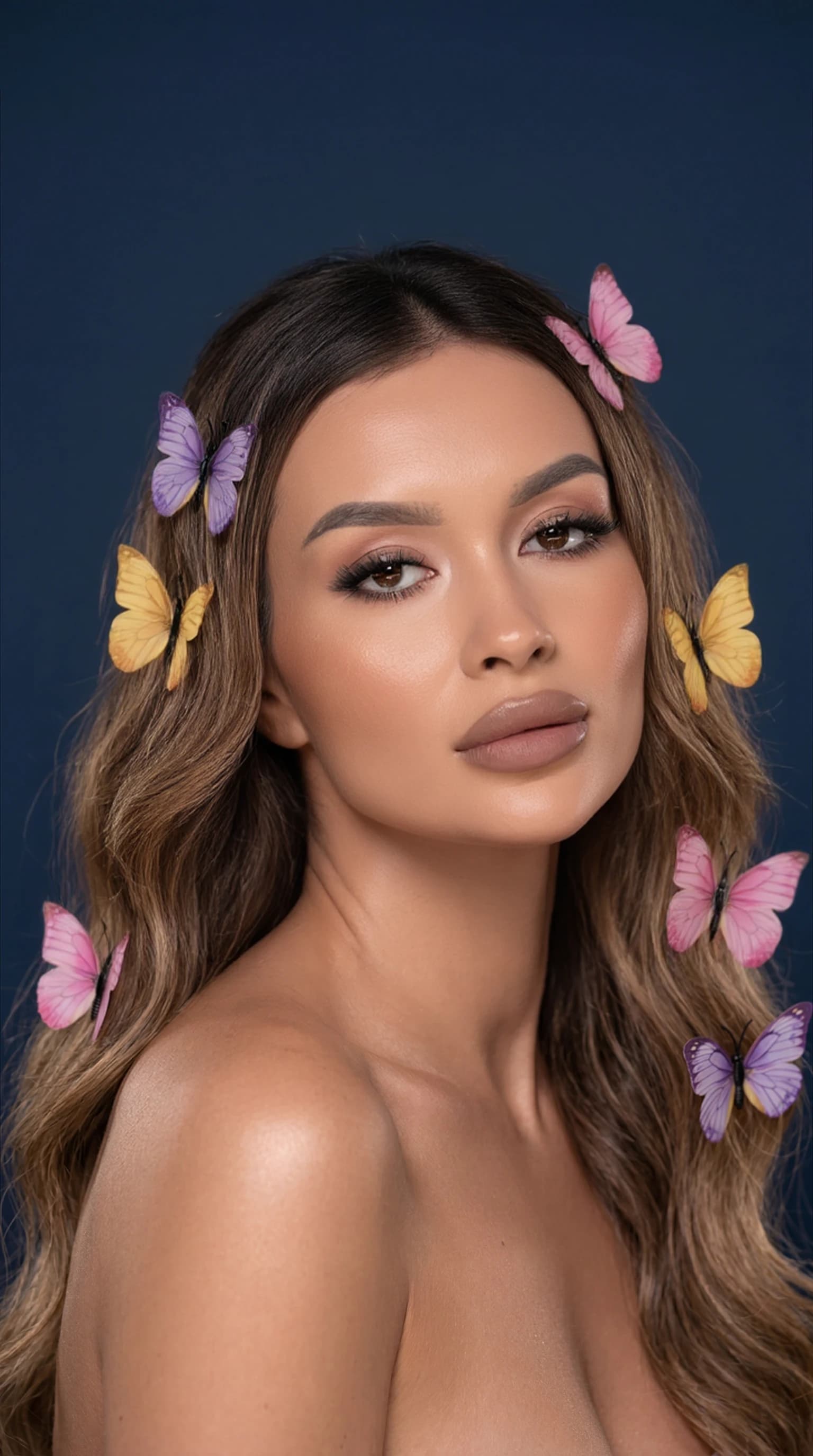
Use clear, recent input photos for your personal profile. Start with a portrait or studio scene with calm lighting. Heavy stylization can change the impression of your age or appearance.
- Choose clothing appropriate for your field.
- Leave room around the head for different crops.
- Avoid unnaturally smooth skin or exaggerated eye color.
- Check that the hairstyle and facial features reflect how you look now.
03 / 03
Review the portrait before uploading it
View the image both at full size and inside a small circular crop. Zoom in to check the collar, buttons, glasses, ears and hair edges. At thumbnail size, check recognition and background distractions.
This workflow is not for passports, visas or identity verification that requires an authentic photograph. For a professional profile, select an honest representation of your own appearance, rather than an image that suggests a different identity.
Questions, answered
Can I use an AI headshot on LinkedIn?
Check the platform's current rules. Choose a recognizable picture of yourself that does not mislead people about your identity.
Can this make a passport photo?
This guide is not intended for passports, visas or identity checks. Use a photograph that meets the issuing authority's requirements.
Which background should I choose?
Start with a neutral background without lettering or distracting objects. It keeps attention on your face and works across more profile layouts.