01 / 03
Match the picture to the profile
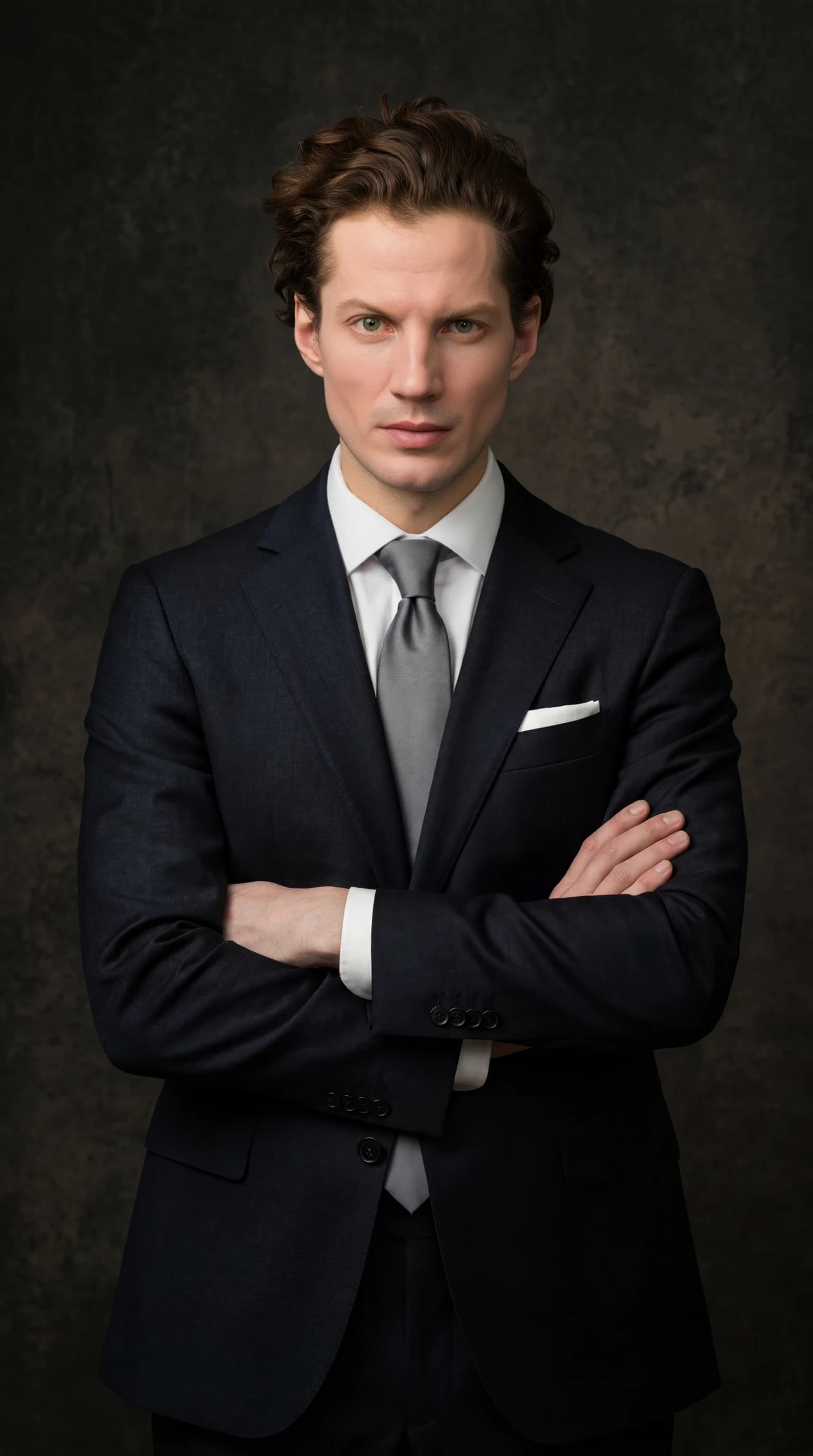
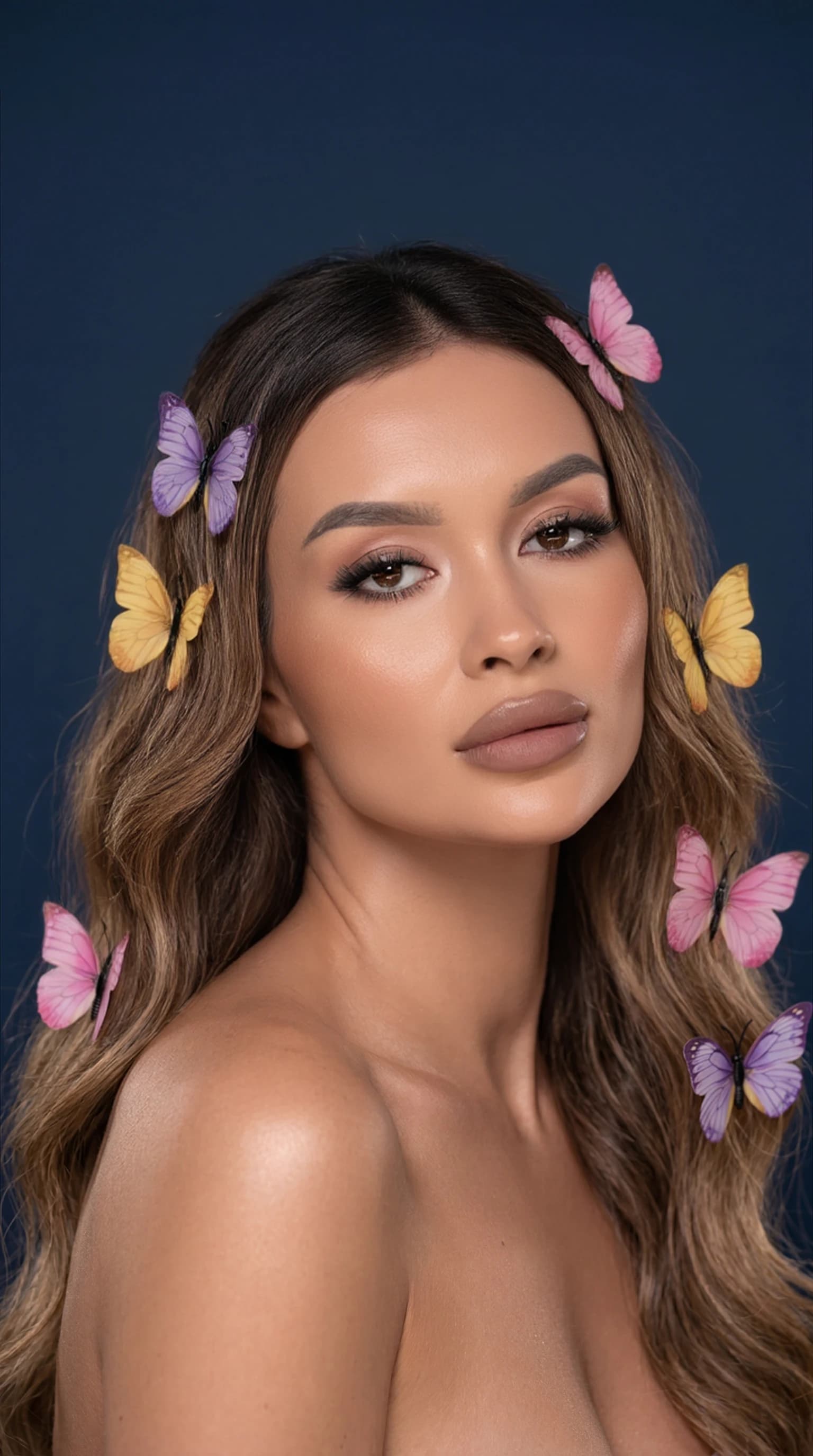
A work account may suit a calm portrait. A personal creative profile may call for cinematic lighting or a distinctive palette. In both cases, the face should be readable before the styling draws attention.
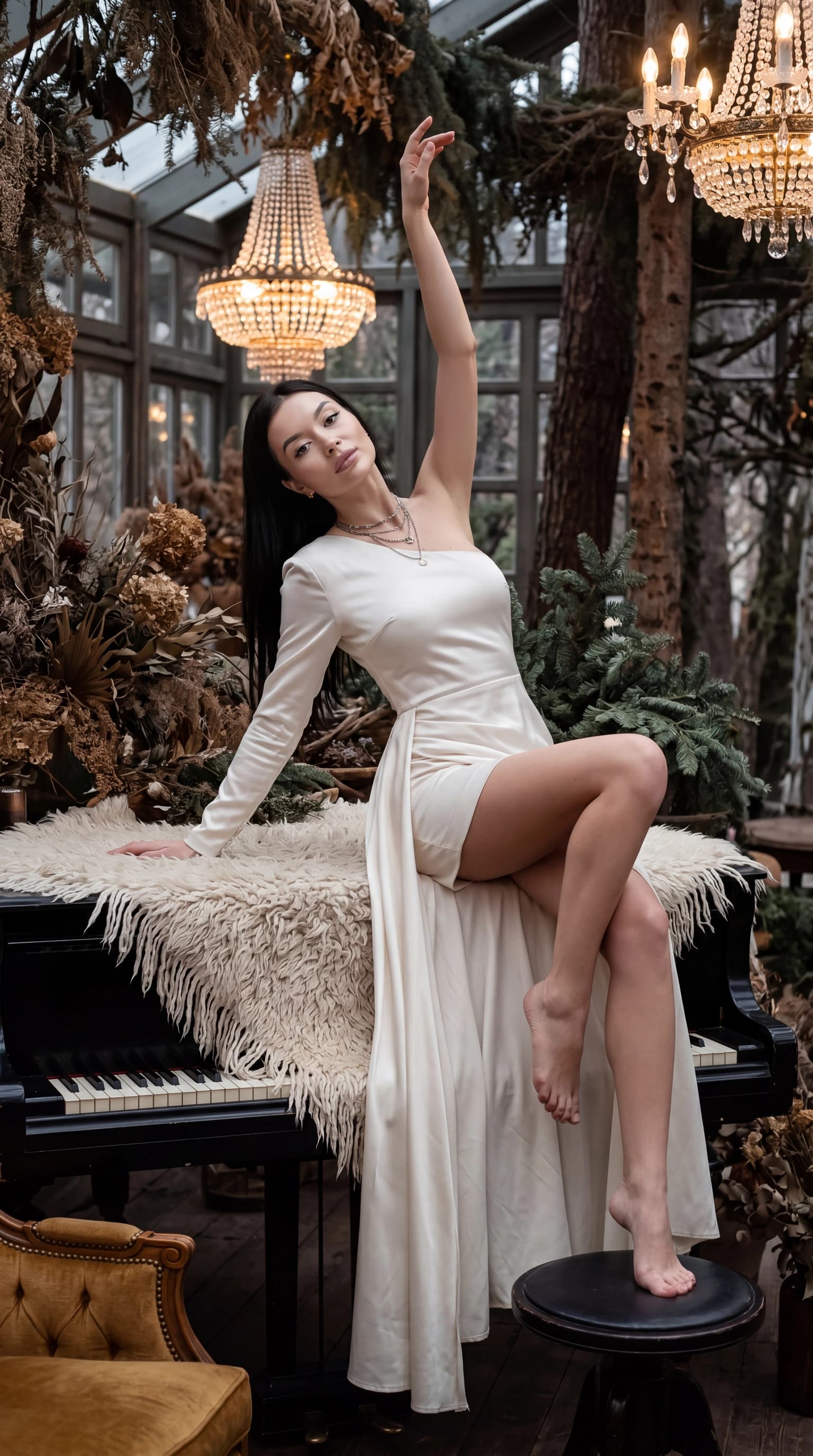
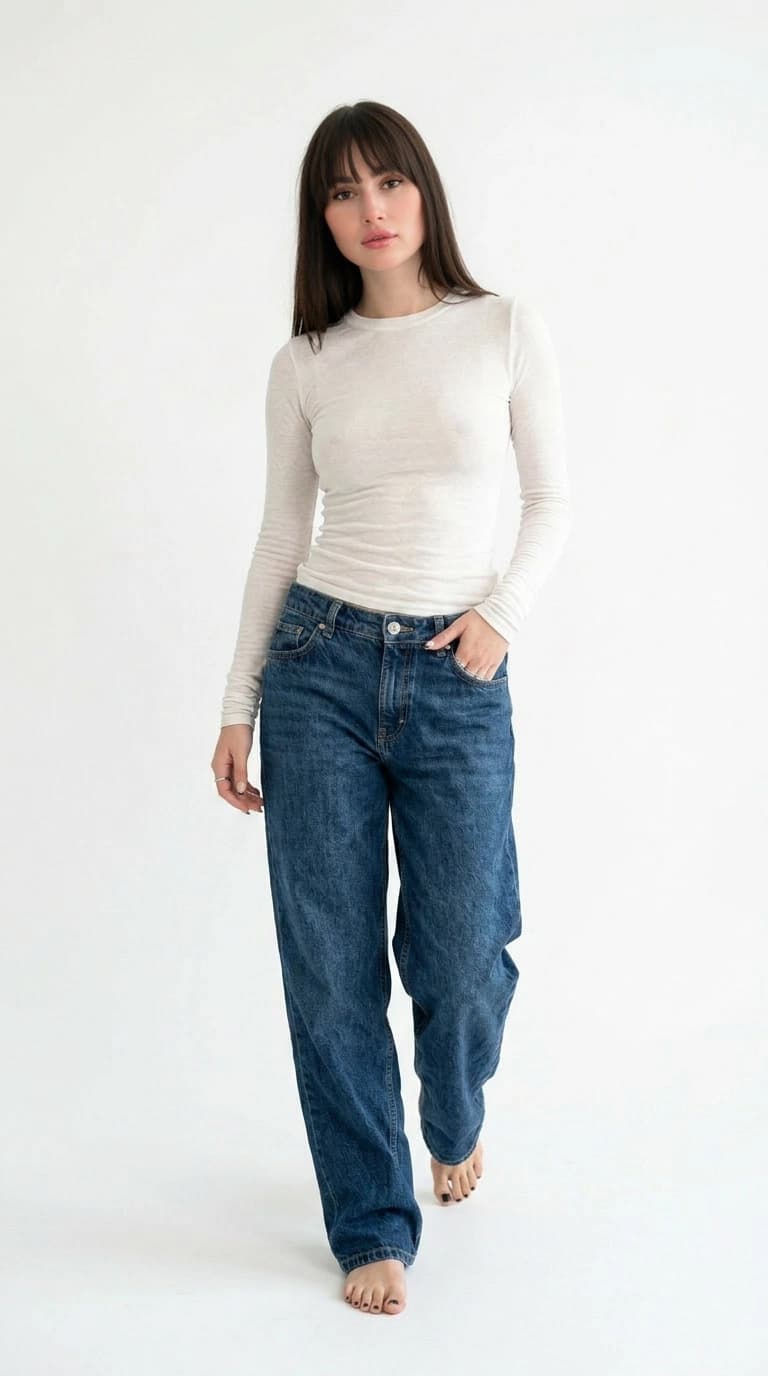
If you reuse one avatar across platforms, choose a composition that works in both square and circular crops. Objects close to the edges may disappear, and fine patterns will not survive at thumbnail size.
02 / 03
Create a few suitable options
Prepare 10–50 photos and create your personal profile. Start with a portrait look from the catalog, then compare it with a more expressive option. A beautiful background can still be the wrong choice if it distracts from your face.
- Keep the face near the center of a circular crop.
- Leave space above the head.
- Check contrast between the face, hair and background.
- Compare color and black-and-white versions at a small size.
03 / 03
Check before publishing
Reduce the picture to icon size. If the expression becomes hard to read, try a closer portrait. Then inspect the original for problems around the eyes, glasses, teeth and hair outline.
An AI avatar is a generated image. Use your own photographs or images you have permission to use. For a public account, choose a picture that does not give a false impression of the account owner's identity.
Questions, answered
How is an avatar different from a headshot?
An avatar must be legible at a small size. A professional headshot also needs to suit its work context. A well-chosen image can serve both purposes.
Do I need a special prompt?
Ready-made ReCrea looks do not require a prompt. Start with the catalog and compare a few visual directions.
Why does my face disappear in the circular crop?
The shot may be too wide or the face too close to an edge. Try a closer portrait and check the circular crop before saving.