01 / 03
How to create your first photoshoot
Prepare 10–50 clear photos of the same person. Include front-facing pictures and gentle head turns in different lighting. A varied set gives the profile more useful information than several nearly identical selfies.
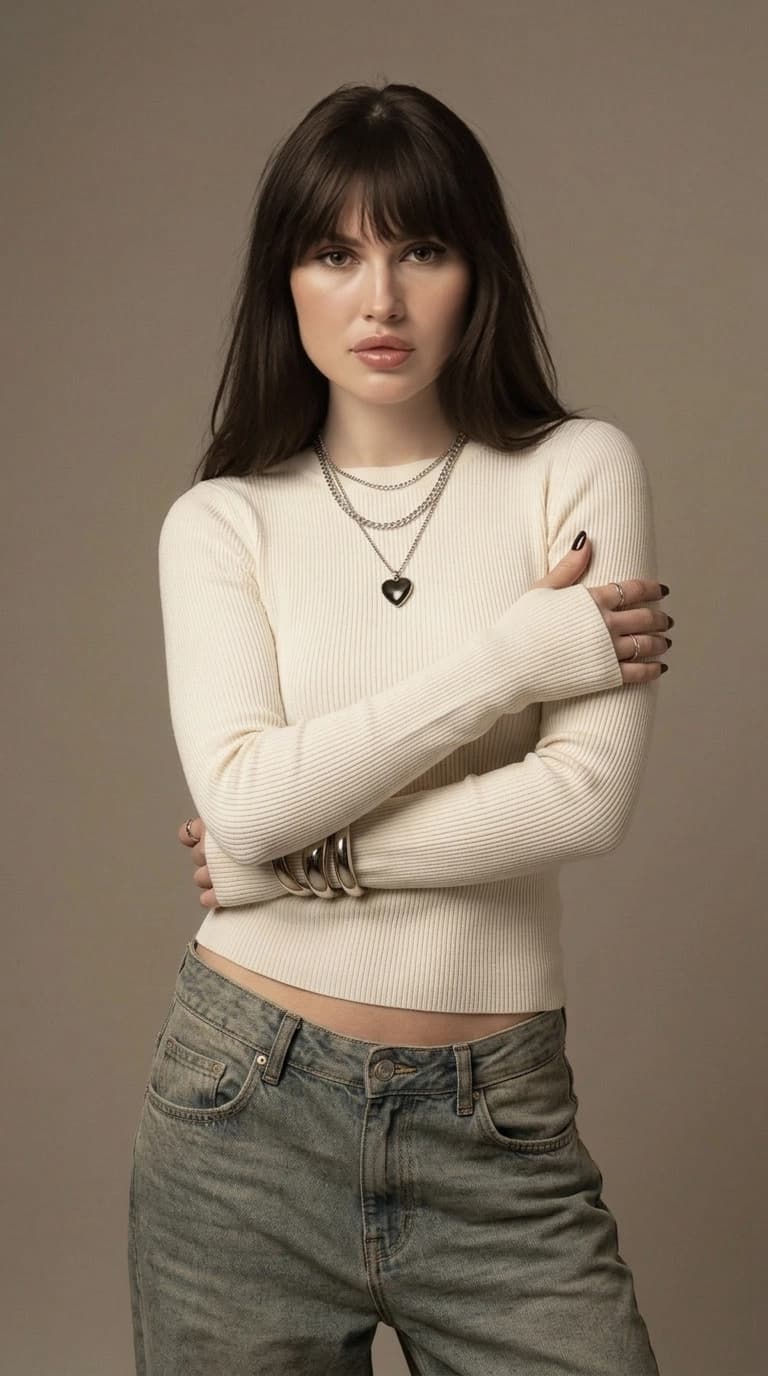
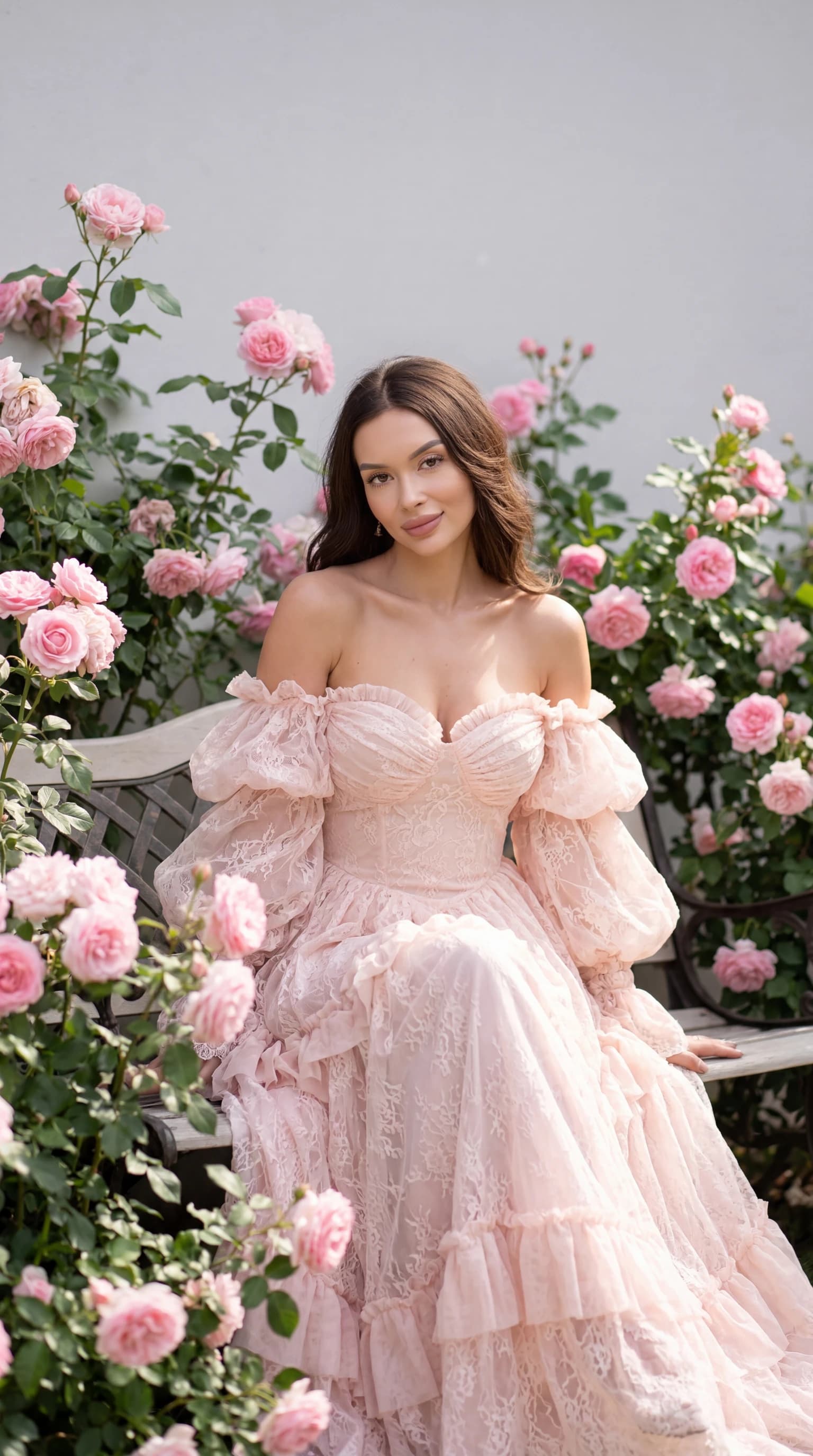
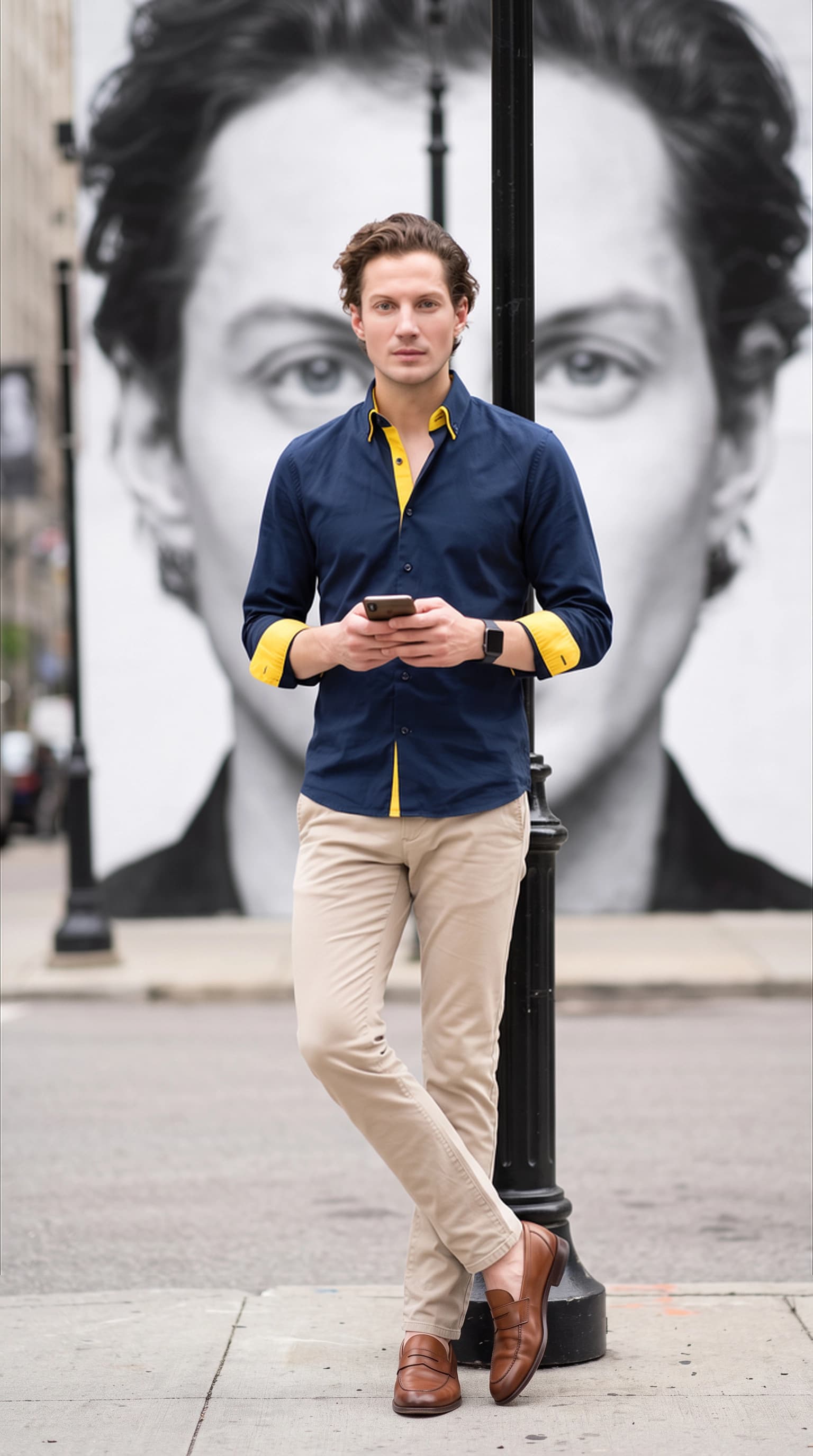
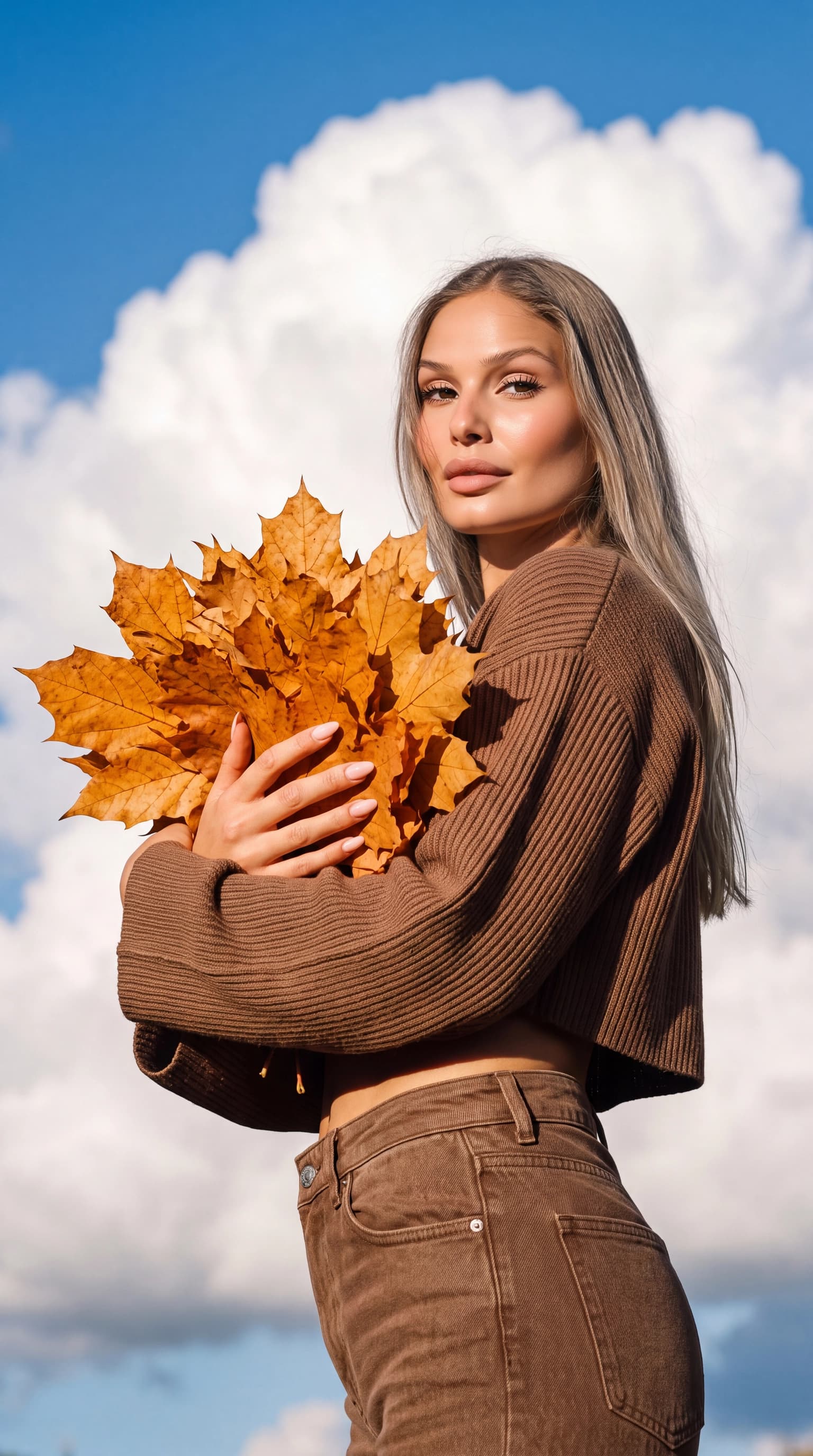
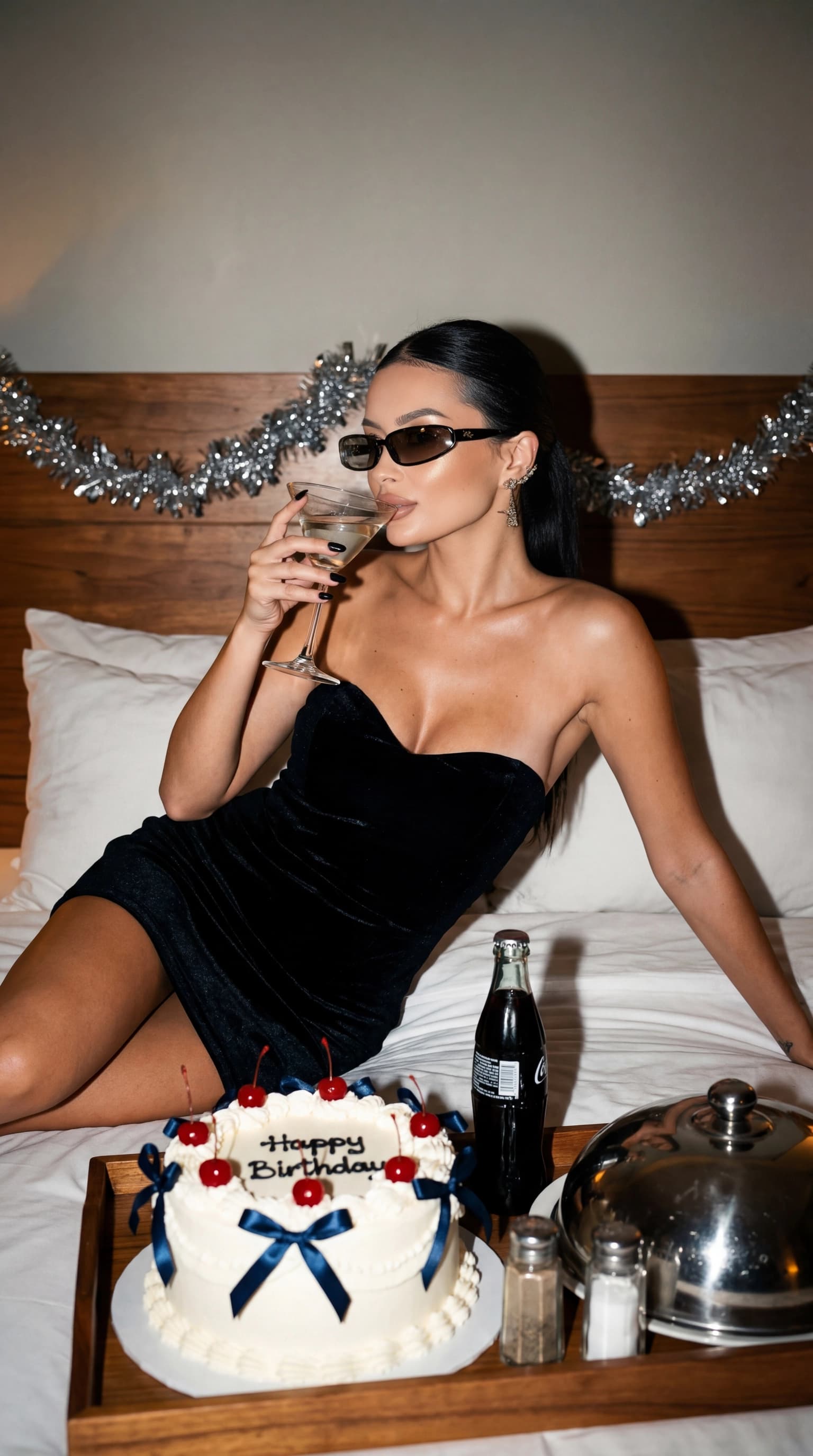
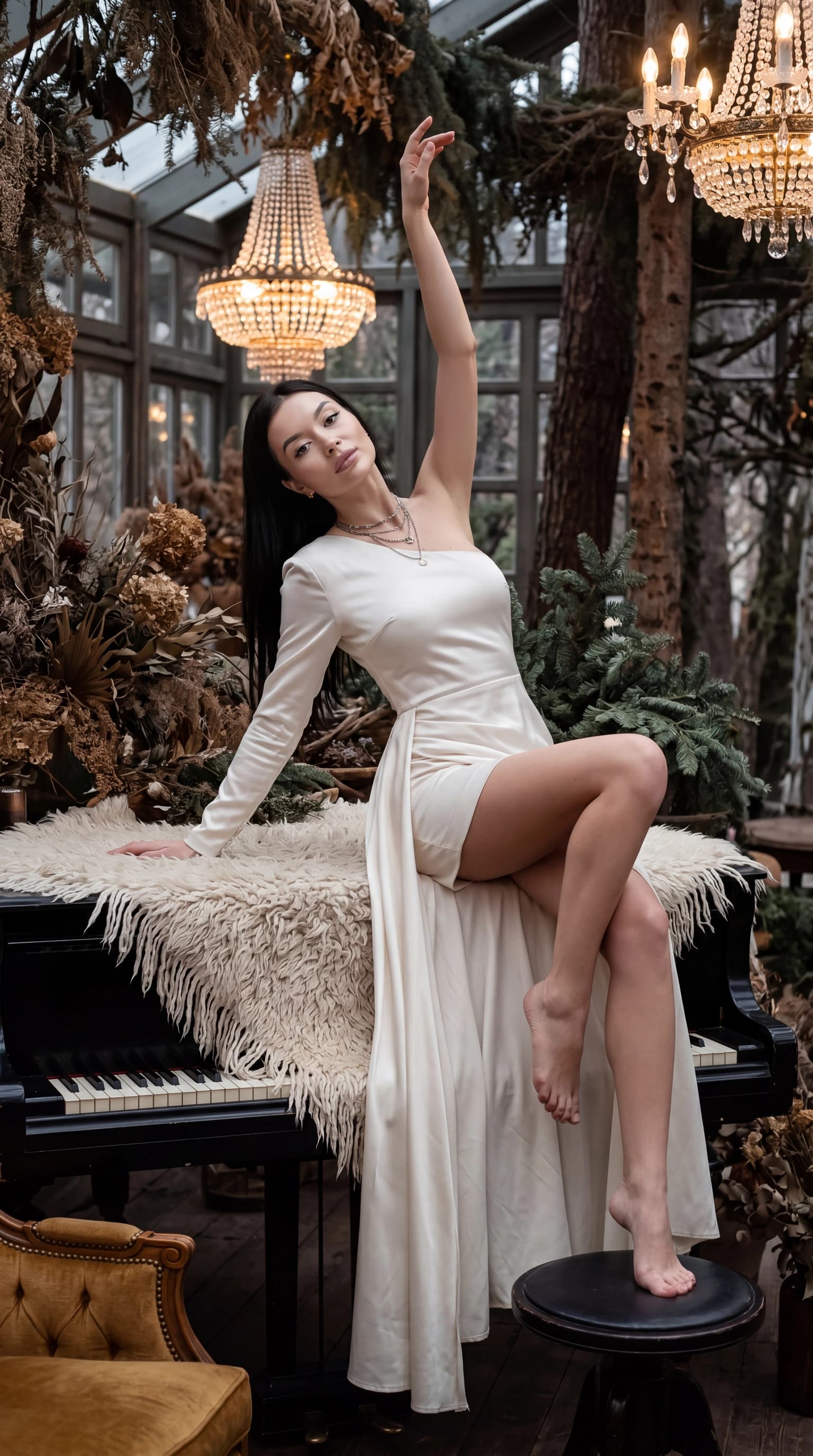
Create your personal AI profile in the app and wait for it to be ready. Explore studio, travel, portrait, celebration or cinematic looks. Choose by lighting, composition and mood, rather than focusing only on the outfit in the example.
- Upload your photos and create a profile.
- Choose a ready-made look for your first series.
- Review the results and save your favorite frames.
- Reuse the same profile for another look.
02 / 03
Generation is different from retouching
Retouching edits an existing photograph. Generation creates a new scene, so hands, small details and proportions can change. A catalog example shows the creative direction; it does not guarantee an identical result.
Start with a simple portrait where the face is easy to see. Once you have checked the likeness, explore more elaborate scenes and lighting. This makes it easier to distinguish an input-photo problem from the effect of a particular look.
03 / 03
Choose a consistent set of results
Look closely at the eyes, face shape, hairline and expression. Zoom in to review hands, jewelry, lettering and the background. Select images with similar light and color when you want a cohesive series.
- For a profile picture, prioritize recognition at a small size.
- For a professional headshot, favor natural features and a quiet background.
- For a creative post, a more stylized image may fit your purpose.
Questions, answered
Is an AI photoshoot free?
Check trial availability and the current cost of profile creation and generations in the app before starting. This guide is free to read; it does not promise free or unlimited image generation.
Can I use just one selfie?
Standard personal-profile creation uses 10–50 photos. Some getting-started flows let you begin with one image; check the selected upload screen for its requirements and next steps. Avoid filling the set with copies of a single selfie: different angles provide more useful information about your appearance.
Do I upload my photos again for every look?
You can use your completed personal profile for new looks without preparing a new photo set for every shoot.