01 / 05
Match the look to the picture you need
A women's photoshoot does not need a dress, bold makeup or flowers. Those details are useful when they fit your idea. Choose how you want to appear and where the pictures will be used. For a résumé, a dedicated professional headshot is usually a better brief; this guide focuses on personal and creative portraits.
Compare four directions before choosing a catalog look. Each combines a background, outfit, lighting choice and crop so you can judge the whole scene.
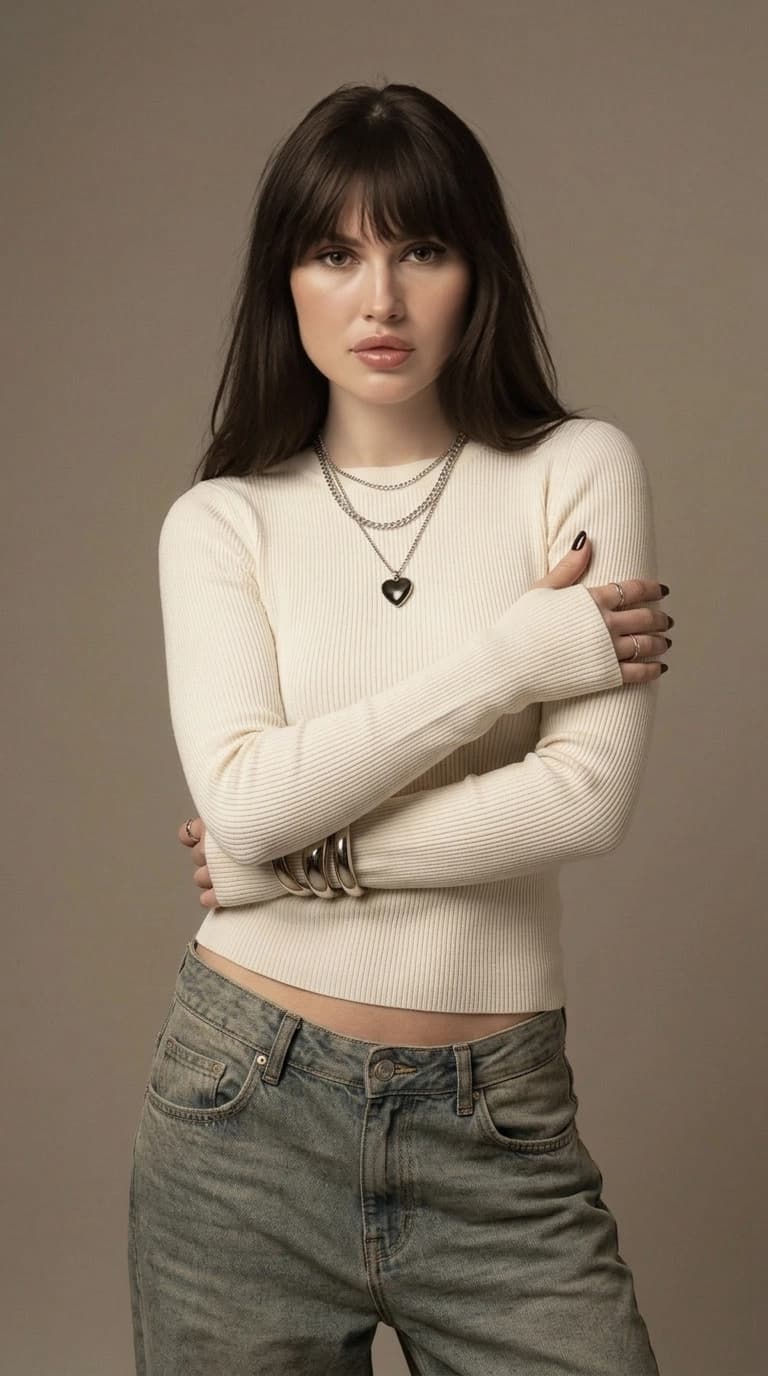
A profile picture
Use a quiet light background, a plain top and soft light from the front or slightly to one side. A chest-up crop keeps the face readable inside a small circle, with room around the hair and shoulders.
An everyday city series
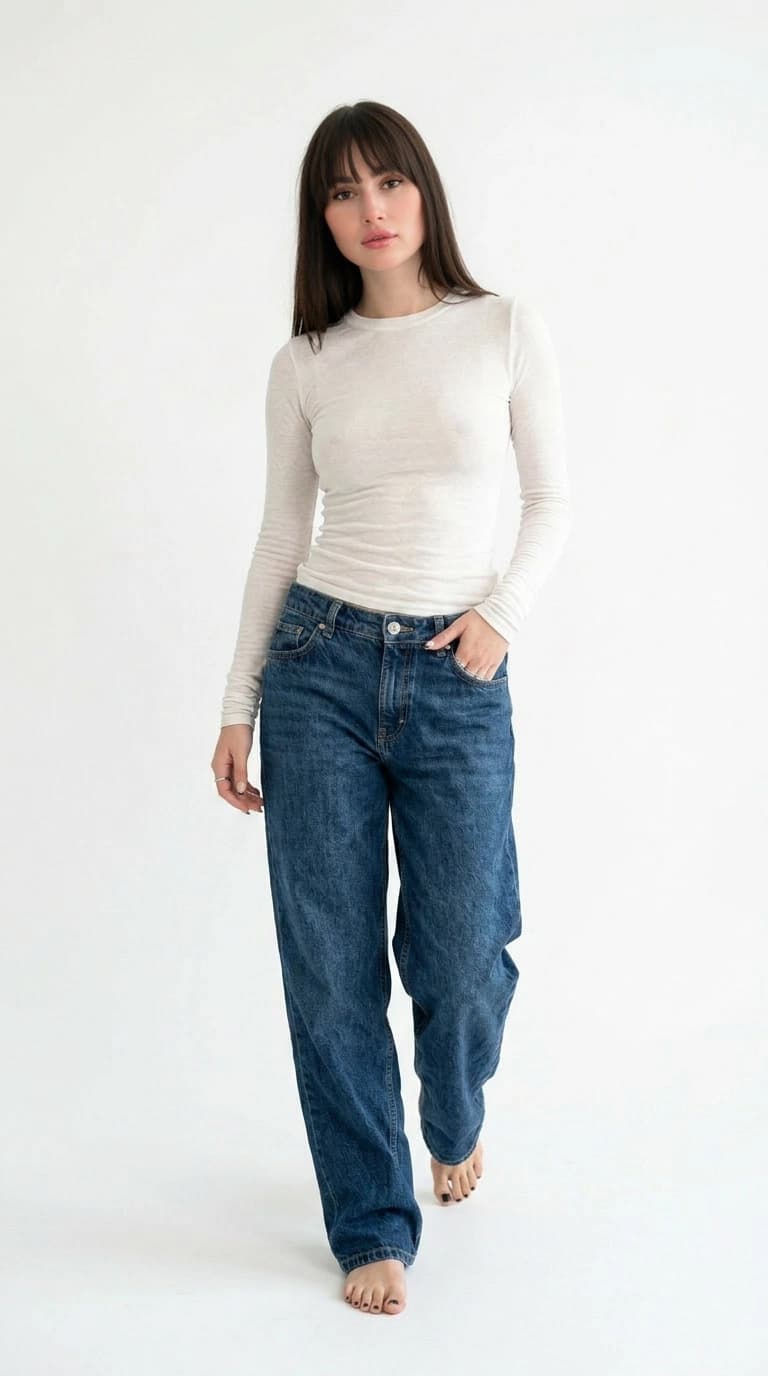
Choose a calm street, a familiar jacket or blazer and diffuse daylight. A waist-up or knee-up frame shows the outfit without letting the background compete with the face.
A portrait with flowers
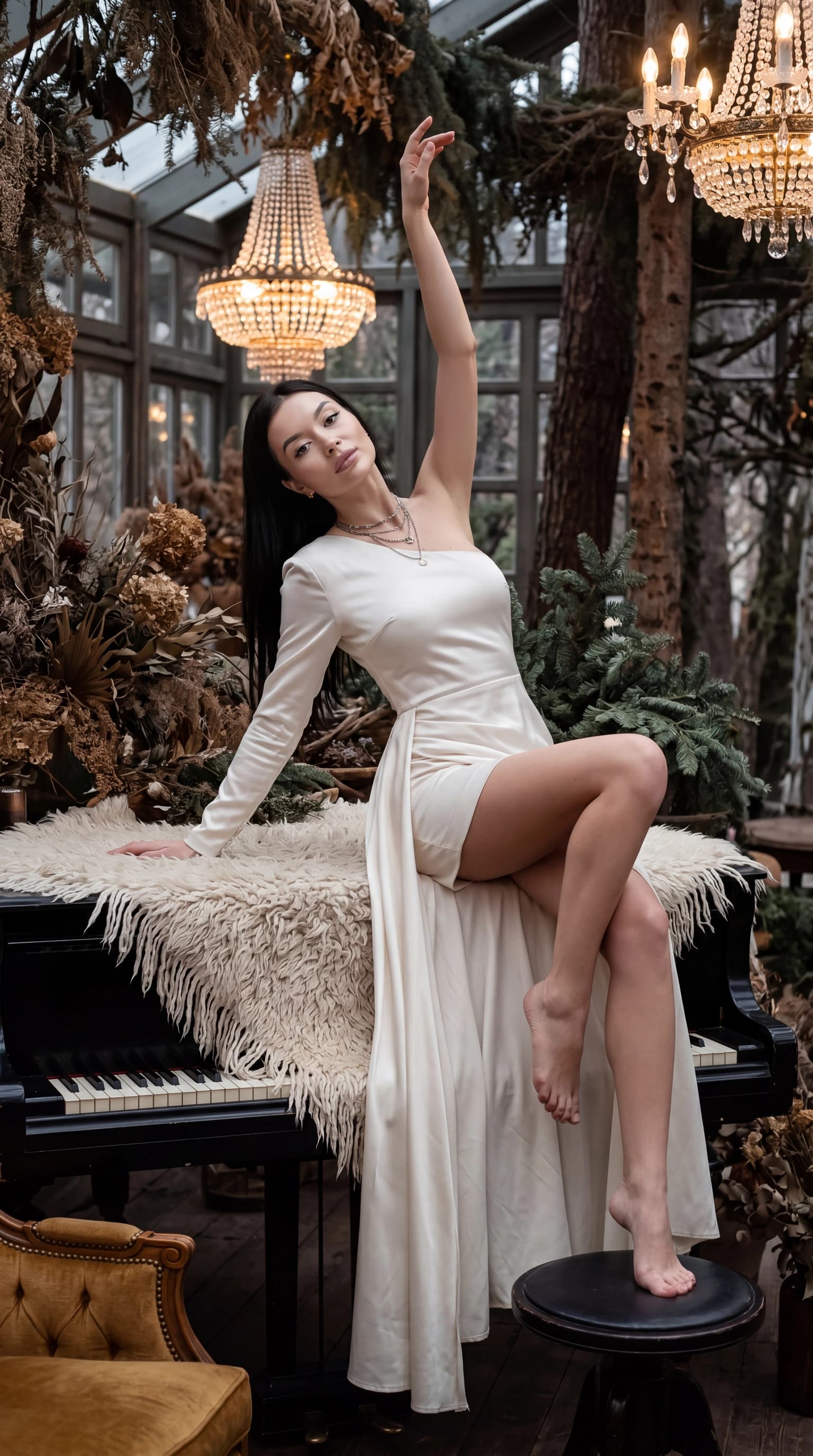
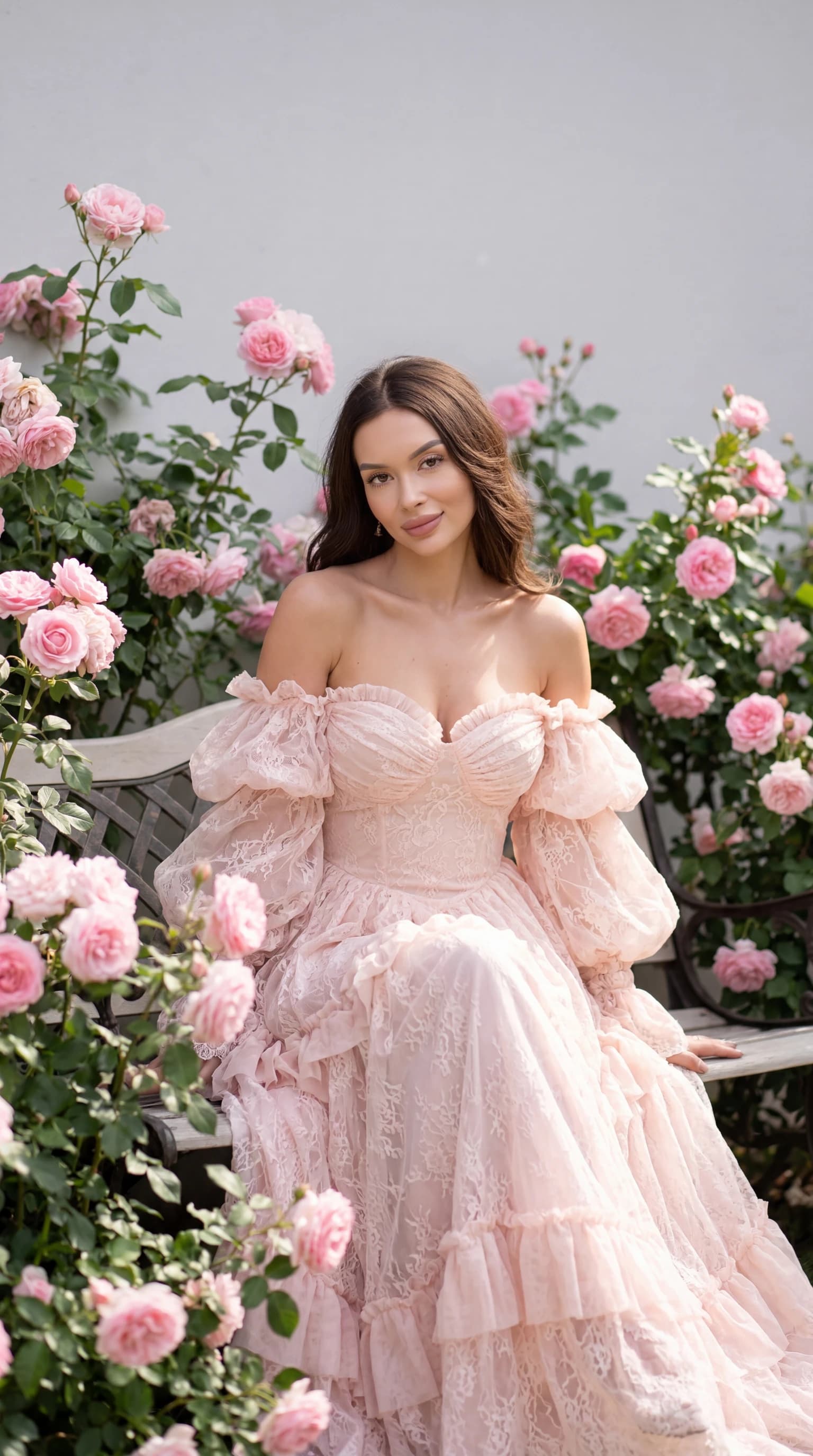
Keep to one type of flower, a related clothing color and gentle daylight. In the cover look, the pink dress connects the portrait with the roses. Flowers frame the person while leaving the face clear.
An expressive studio portrait
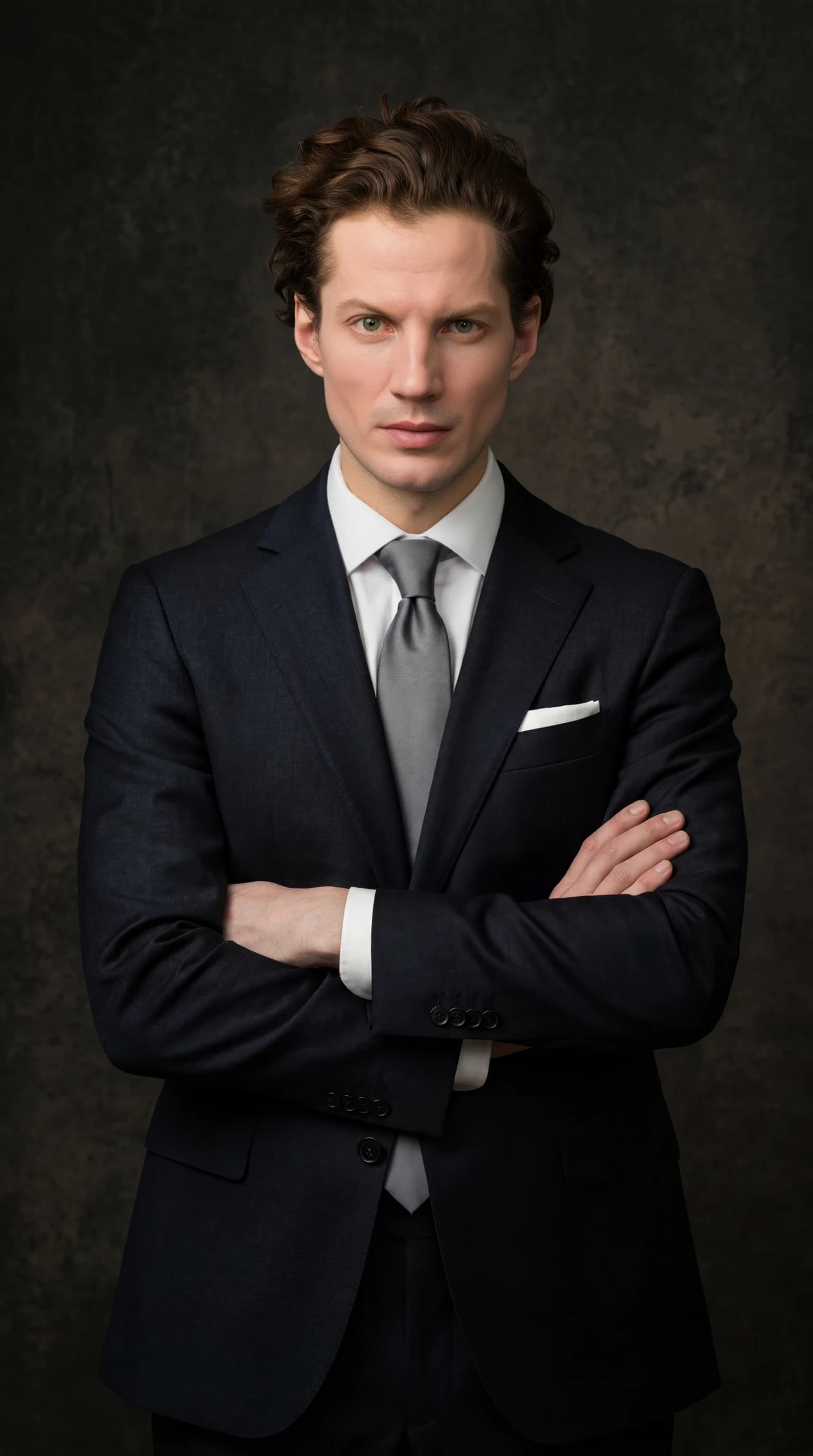
Try a plain dark background, simple clothing and one clear side-light direction. A close or waist-up composition puts the expression ahead of props and decoration.
02 / 05
Four AI portrait prompts to adapt
These descriptions are starting points for a generator with text input. They are not the prompts used for the cover image and will not reproduce it exactly. The ReCrea catalog workflow lets you select a ready-made look without writing a prompt.
Change one part at a time: clothing, background or light. Conflicting instructions such as a close-up full-body portrait make it harder to communicate a clear composition.
A soft profile portrait
Chest-up portrait of an adult woman, looking at the camera, relaxed expression, plain light shirt, neutral gray-beige background, soft light from a large window on the left, natural skin texture, face fully visible, a little space around the head and shoulders.
A quiet city scene
Knee-up portrait of an adult woman on a quiet city street, dark blazer and plain light top, relaxed stance, hands in pockets, diffuse overcast daylight, calm background without readable signs, face in focus, natural proportions.
A rose garden series
Portrait of an adult woman seated on a garden bench, pale pink dress, pink roses around the edges of the frame, flowers do not cover the face, soft daylight, relaxed pose, muted green and pink colors, clear facial features and fabric texture.
Side-lit studio portrait
Waist-up portrait of an adult woman against a dark gray background, plain black top, body turned slightly and face toward the camera, soft side light from the right, visible detail in the shadows, natural skin texture, minimal jewelry, no lettering.
03 / 05
Build a portrait series in ReCrea
For the personal AI profile workflow, prepare 10–50 clear photographs of one person and follow the upload guidance in the app. Reuse an existing profile if you have one. The inputs describe your appearance; they do not need to include the dress, garden or studio you want in the result.
Open the examples for a catalog look and compare face size, clothing and lighting. Check current availability and generation cost before starting. For the flower direction, look for «Винтажный розовый сад» if it is available in your catalog.
Select several pictures from the same shoot: a closer portrait, a waist-up picture and a wider composition when the chosen look provides them. Similar colors, lighting and clothing details help the set feel consistent. Exact continuity across every generated detail is not guaranteed.
04 / 05
Keep likeness part of the brief
Choose inputs with a clear view of the face, without heavy retouching, masks or hair over the eyes. Avoid mixing very different periods of your appearance if your hairstyle or other features have changed substantially. The photo-preparation guide below covers the input set in more detail.
When recognition matters most, start with familiar hair and understated makeup. Changing hair color, age, face shape and lighting at once makes comparison harder. A polished picture still needs to look like the person it represents.
- Compare eye shape, eyebrows and hairline with the input photos.
- Check the usual smile and outline of the face.
- Zoom in on hands, earrings, glasses and lace edges.
- Test the intended crop before sharing the picture.
05 / 05
What to change when a result misses the brief
If the outfit or mood is wrong, try a different catalog look. If likeness is the problem, review the input set and how closely the face is framed first; a different background alone will not solve it. In a text-based generator, keep the parts of the description that worked and revise one problem area.
Review each candidate in the same order: likeness, coherent details, lighting, then crop. Keep the original file alongside the cropped version. The catalog cover demonstrates a creative direction; results made with your profile can differ.
Questions, answered
Do I need professional input photographs?
No. Clear phone photos in good light can work for a personal profile. Visible facial features and varied angles matter more than a studio camera or an elaborate outfit.
Can I make the photoshoot from one selfie?
Standard personal-profile creation uses 10–50 photos. Some getting-started flows let you begin with one image; check the selected upload screen for its requirements and next steps. Follow the separate instructions and available app features for any single-photo mode; it is a different process.
Do I have to write a prompt?
No. A ready-made ReCrea catalog look does not require your own text. The prompts in this guide are for tools that accept text input and help describe the scene you want.
Can I use the cover look with my own face?
Choose «Винтажный розовый сад» if it is available and select your personal profile. The example sets a direction; clothing, pose, flowers and individual details may differ.
Can I use the result on a résumé?
Choose a quiet background, straightforward light and a familiar appearance for a résumé. The professional AI headshot guide covers that use case with its own selection criteria.