01 / 05
Choose a direction for the shoot
A profile picture needs a recognizable face. A personal style series also needs a clear outfit and pose, while a creative post can use more dramatic surroundings. A suit, serious expression or heavy beard is optional; choose a look that fits how you want to appear.
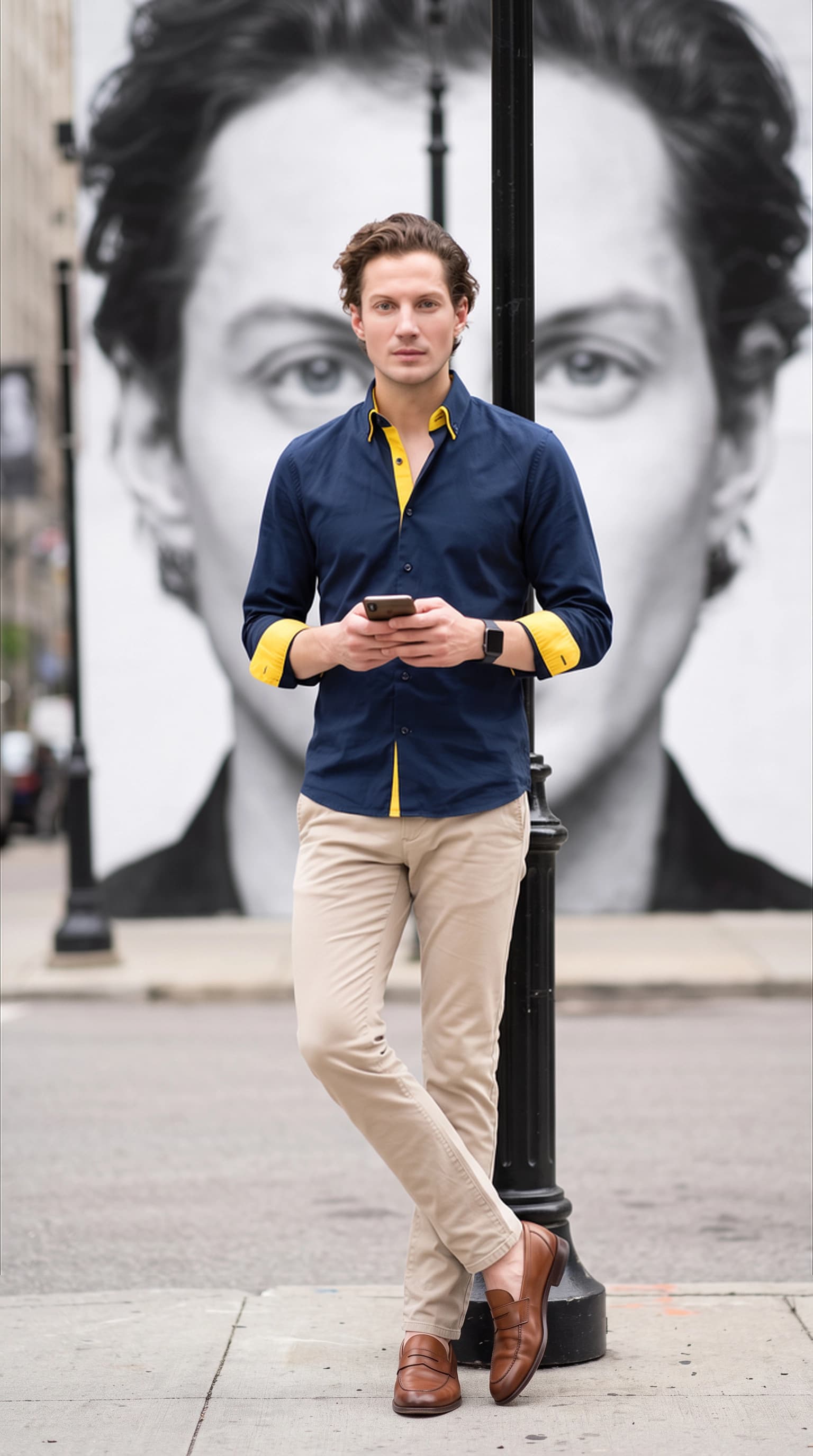
The cover is a wide city composition with a prominent background. A small avatar calls for a closer portrait. For a résumé or professional profile, use the separate headshot guide linked below.
An everyday portrait
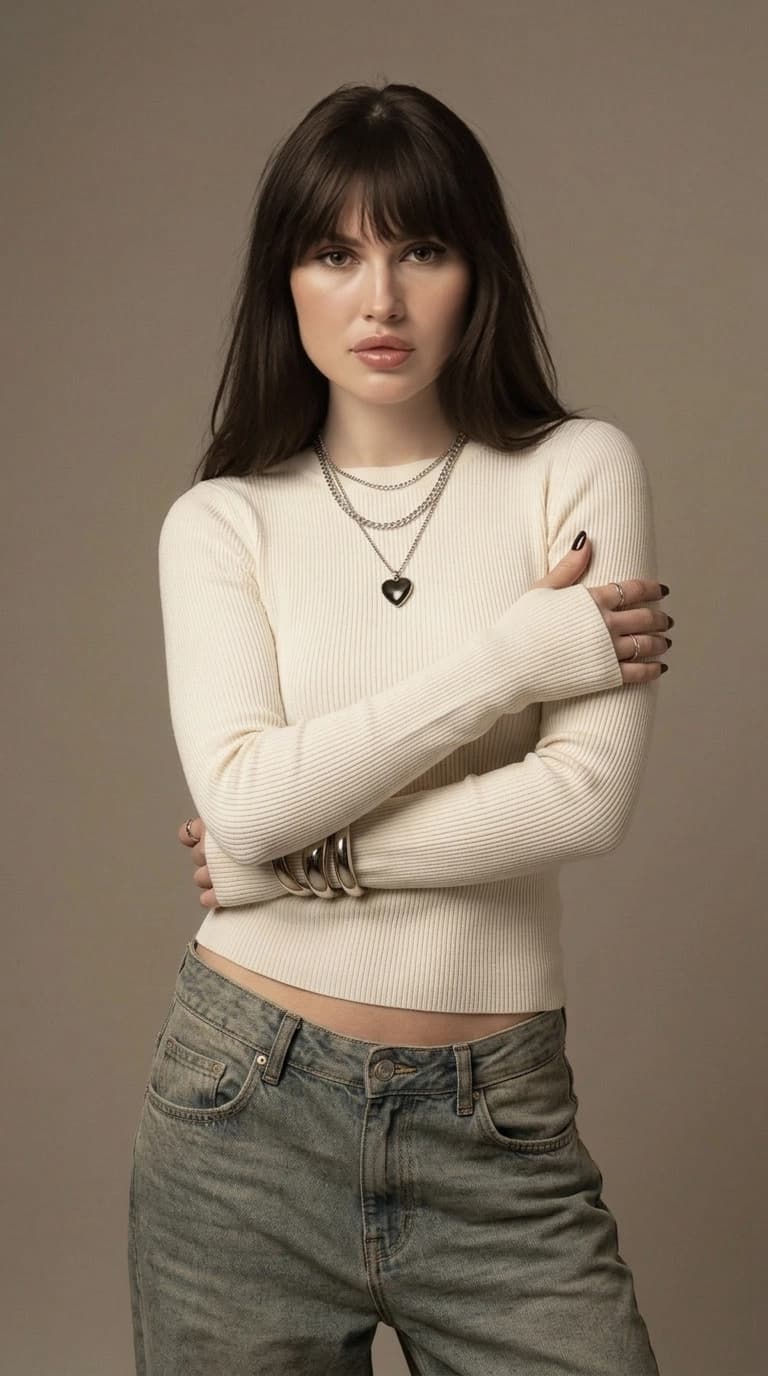
Try a plain T-shirt, shirt or sweater, soft window light and relaxed shoulders. Chest-up framing makes likeness easy to assess and leaves room for a circular crop.
A studio set
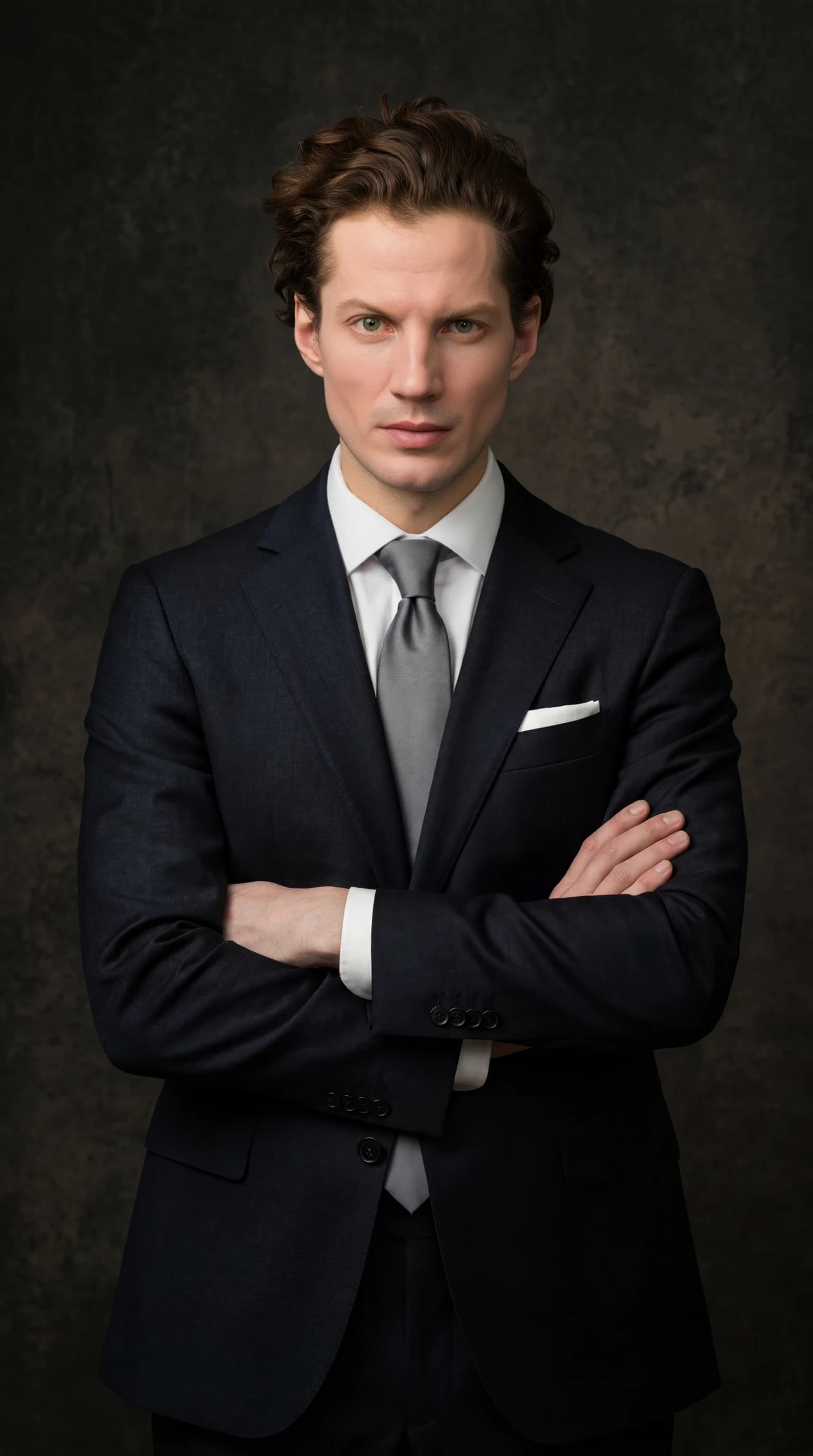
Use a plain background and one clear light direction. Turn the body slightly while keeping the face toward the camera. A waist-up composition shows clothing fit without complicated props.
An evening city portrait
Combine a street setting, simple outerwear and light from a shop window. Keep both eyes readable even when the surroundings are moody. Use a similar palette and time of day across the set.
02 / 05
Three AI portrait prompts for men
These are independent starting descriptions for a tool with text input. They are not the prompts used to make the cover and will not reproduce it exactly. The ReCrea catalog workflow lets you select a ready-made look without writing your own prompt.
Specify the crop first, followed by pose, visible clothing, background and light. A chest-up portrait does not need detailed shoe instructions. If glasses or a beard matter, describe their actual appearance and compare the result with your inputs.
A casual window portrait
Chest-up portrait of an adult man, plain gray sweater, relaxed shoulders, a gentle natural smile, looking at the camera, soft daylight from a large window on the left, pale wall behind him, natural skin texture, familiar hairstyle, space around the head.
A waist-up studio portrait
Waist-up portrait of an adult man, plain navy shirt without logos, body turned slightly and face toward the camera, arms relaxed at his sides, even gray background, a large soft light on the right, both eyes visible, clear fabric texture and detail in the shadows.
An evening city scene
Knee-up portrait of an adult man on a city street in the evening, simple dark jacket and light T-shirt, hands in pockets, relaxed confident stance, soft warm shop-window light from one side, cool blurred background without readable signs, face in focus, natural proportions and skin tones.
03 / 05
Use inputs that show your current appearance
The ReCrea personal AI profile workflow described here uses 10–50 clear photos of the same person. Include different angles with visible eyes, hairline and face shape. Repeating one selfie adds little information about your appearance.
If your haircut or beard length has changed recently, decide which version you want the set to reflect. Mixing substantially different periods makes the result harder to assess. For glasses, avoid glare that hides the eyes and include clear views of the frames. The photo-preparation guide below covers the full input process.
04 / 05
Create a consistent set in ReCrea
Create a personal profile or reuse one you already have. Compare the examples for a catalog look by face size, pose, clothing and lighting. For a city set, look for «Город в своём ритме» if it is available in your version of the catalog. Check generation cost in the app before starting.
Choose a recognizable portrait first, then select companion images with similar lighting and clothing. If the look offers different compositions, pair a closer portrait with a wider frame. Exact continuity of outfits, accessories and every small detail is not guaranteed.
05 / 05
Review hair, beard, glasses and clothing fit
Inspect the full-size image, then preview it at the size people will actually see. A striking wide composition may leave the face too small inside an avatar. Keep some space above the hair and below the chin when cropping.
Change the look when the mood is wrong. If the face is unrecognizable, review the input photos and framing first; a different background alone does not fix likeness. In a text-based generator, revise one part of the description at a time so you can assess what helped.
- Hairline and beard shape match the period of appearance you chose.
- Eyes, ears and face shape remain recognizable, with detail in shadowed areas.
- Glasses arms extend toward the ears and the frames do not merge into eyebrows.
- Fingers, watches and phones remain separate and coherent.
- Collars, buttons and seams continue naturally; shoulders and sleeves fit together.
Questions, answered
Do I need input photos in a suit?
No. The personal profile uses your appearance, while the selected look supplies the scene and clothing. Clear photographs in everyday clothes can be used to prepare the profile.
Will the result keep my beard and glasses?
Use clear inputs showing your current appearance and inspect the output. Beard shape, glasses and small details can change during generation; an exact match is not guaranteed.
Can I use a single photo for this workflow?
Standard personal-profile creation uses 10–50 photos. Some getting-started flows let you begin with one image; check the selected upload screen for its requirements and next steps. If you choose a separate single-photo mode, follow its instructions in the app because the requirements differ.
Which portrait should I use on a résumé?
Start with a neutral background, soft light and a familiar appearance. The professional AI headshot guide covers that purpose with its own examples and selection criteria.